
Order Online
Let guests open your store’s available menu and ordering experience from the same Hub they already use for service and information.
Ordering, reviews, Call for services, Wi‑Fi, special offers, rewards, events, useful links and feedback — brought together in one mobile Hub.
The Hub gives the most important guest actions the clearest place — then lets supporting experiences follow naturally.
Let guests open your store’s available menu and ordering experience from the same Hub they already use for service and information.
Give guests a clear path to request assistance from where they are.
Keep your store’s configured Wi‑Fi information easy to reach.
Promotions and rewards stay easy to discover without competing with the things guests came to do first.

Share current offers in the same Hub guests already use for ordering, service and store information.
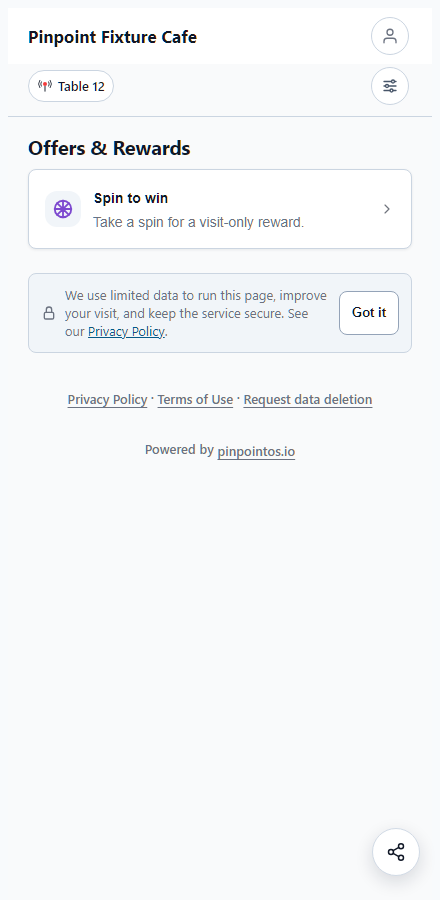
Add a lightweight reward moment to the Hub and give guests another reason to engage with your store.

Give guests a simple way to discover your store’s configured birthday experience and rewards.

Keep returning guests connected to your store through the membership experience available in the Hub.

Make current store events easy to discover from the same guest Hub.

Introduce the people who make your store run and help guests feel more connected to the people serving them.
Quick Links gives guests one simple place for your store’s configured links and information.
Feedback belongs after the guest’s primary tasks — clear when they want it, quiet when they do not.
From the table to the counter, Pinpoint keeps useful guest actions connected to the place where they happen.

Ordering, service, Wi‑Fi, offers and feedback can begin from the guest’s table context.

The experience stays mobile-first and usable without turning the guest journey into an app-install flow.
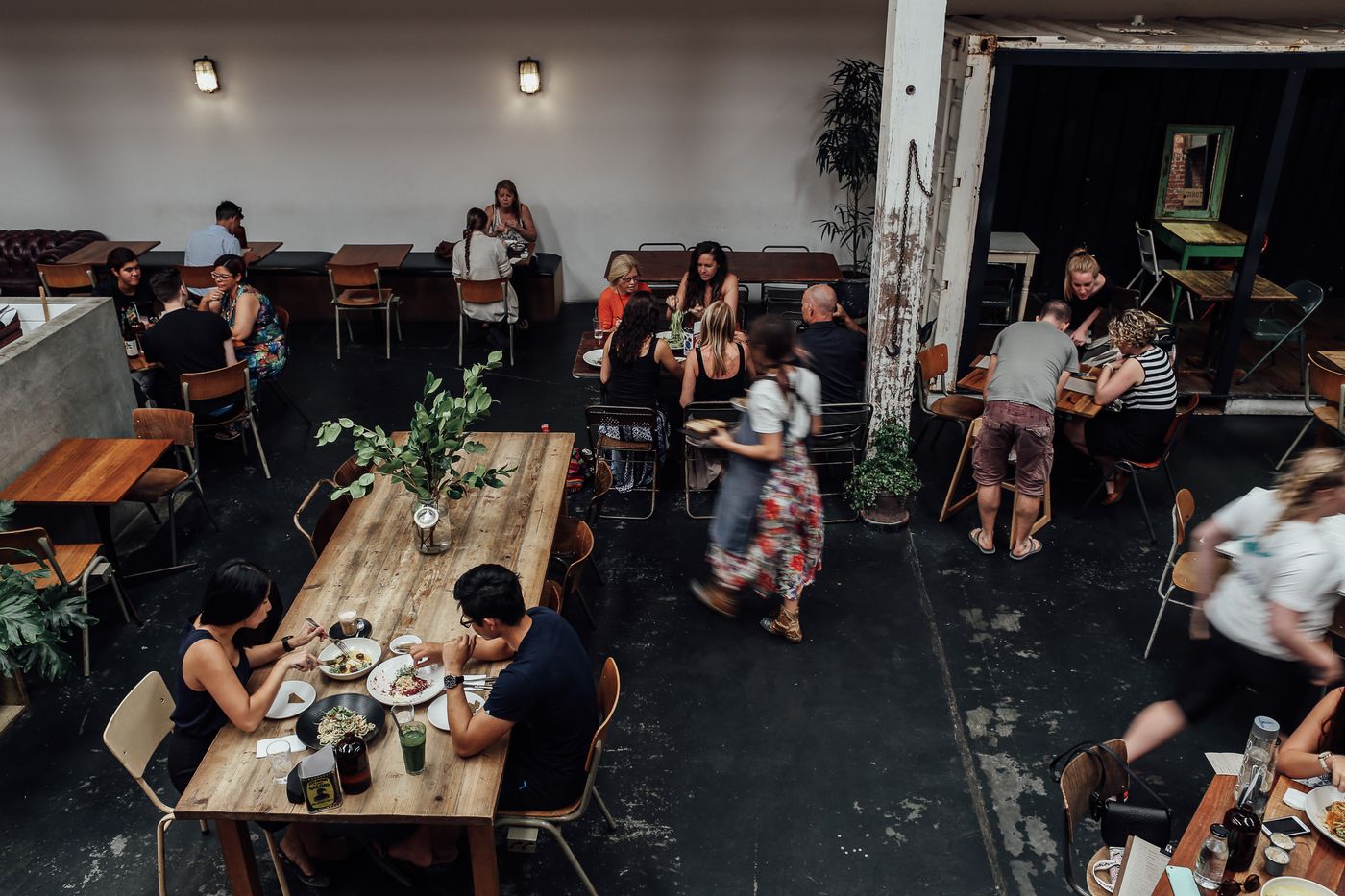
Guest-facing information stays connected to the real store environment instead of becoming a generic marketing page.
Pick the features, information, offers and services you want guests to find in your Hub.
Arrange the experience, preview it on mobile and make it ready for your store.
Guests open the Hub on their own phone, find what they need and interact with your store.
Start with the guest features that matter now, then add more as your store and the Pinpoint platform grow.
Turn features on or off and see how the Hub adapts to the experience you want to create.
Start with the guest experiences your store needs today, then add more as Pinpoint grows with your operation.
Pinpoint brings everyday guest interactions and store information into a more organized digital experience, so owners and managers can make the store easier to understand, easier to manage and easier for the team to operate.
Today, the Hub connects ordering, service, Wi‑Fi, offers, rewards, events, useful links and feedback. As Pinpoint grows, the same platform can support more day-to-day store workflows — including staff tasks, opening and closing routines, equipment checks and other operational needs.
The goal is simple: better information for the people running the store, smoother service for the team, and a better experience for every guest.
Bring important store information and guest activity into clearer digital workflows instead of leaving it scattered across paper, memory and separate tools.
Make common guest needs easier to understand and handle so service can move with less friction.
Give people one simple mobile place to order, ask for help, find information, discover offers and share feedback.
Pinpoint is built as a Restaurant Physical Operations Platform, starting with practical store needs and expanding carefully as new capabilities are ready.